










Browser add-on · Built by BD Agency
Reply Reviews Chrome Extension
Answering reviews isn’t hard work. It’s just constant — and it happens in a browser tab you already have open.
This extension writes the reply for you, right there. It works on the major review sites.
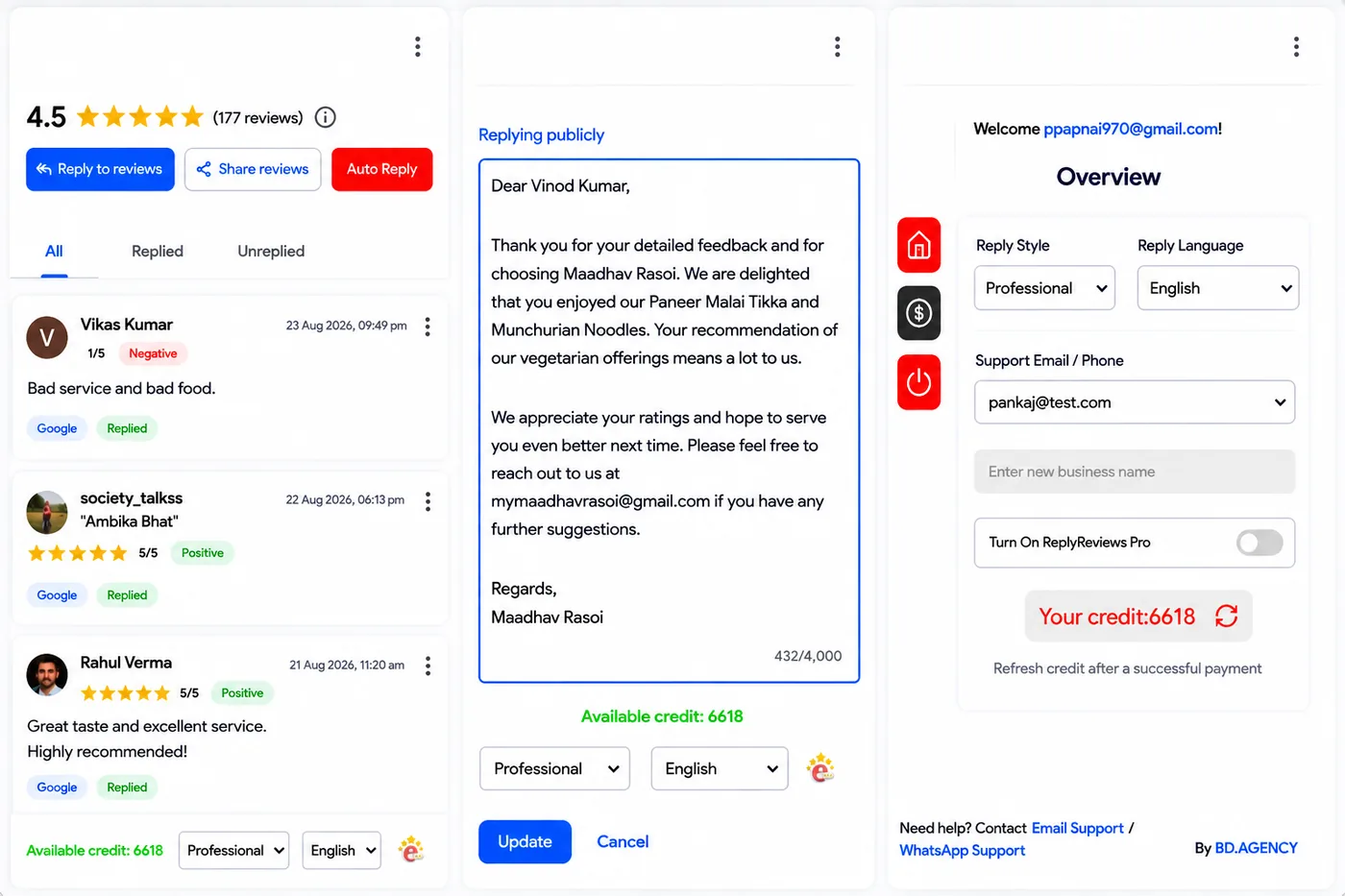
What it does
Everything it can do
This is the full list. Nothing hidden behind an upgrade page.
- Writes review replies for you
- Works on major review platforms
- Sits in Chrome, where you already read your reviews
How it works
Three steps
- 1
Add it to Chrome
It installs into the browser you already use.
- 2
Open a review
It works on the major review platforms, so it’s there when you need it.
- 3
Get the reply
The extension writes a reply for you.
Reply Reviews Chrome Extension has its own website — replyreviews.in
Questions
Reply Reviews Chrome Extension — things people ask
What does it do?
It writes review replies for you, and it works on major review platforms.
How is it different from the Reply Reviews dashboard?
The dashboard connects your accounts, posts everywhere and answers Google reviews automatically. The extension just writes replies inside your browser.
Where do I get it?
It has its own website — replyreviews.in.
Also ours
The rest of the toolkit
Next step
Want Chrome Extension for your restaurant?
Tell us how you would use it and we’ll take it from there.