





One dashboard · Built by BD Agency
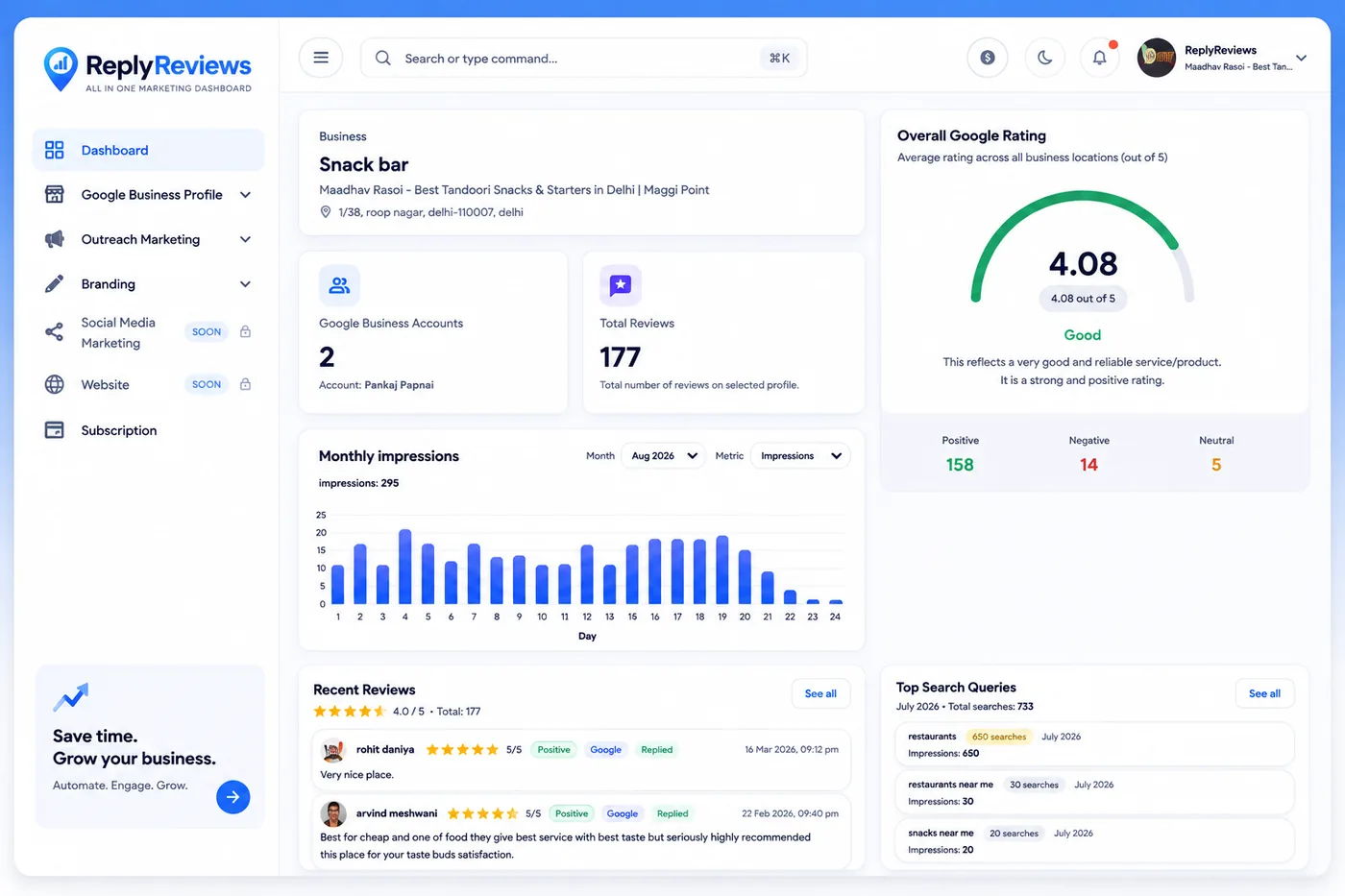
Reply Reviews — One Dashboard for All Your Marketing
Right now your marketing lives in five different tabs. One for Google, one for each social app, and a note somewhere reminding you to answer reviews.
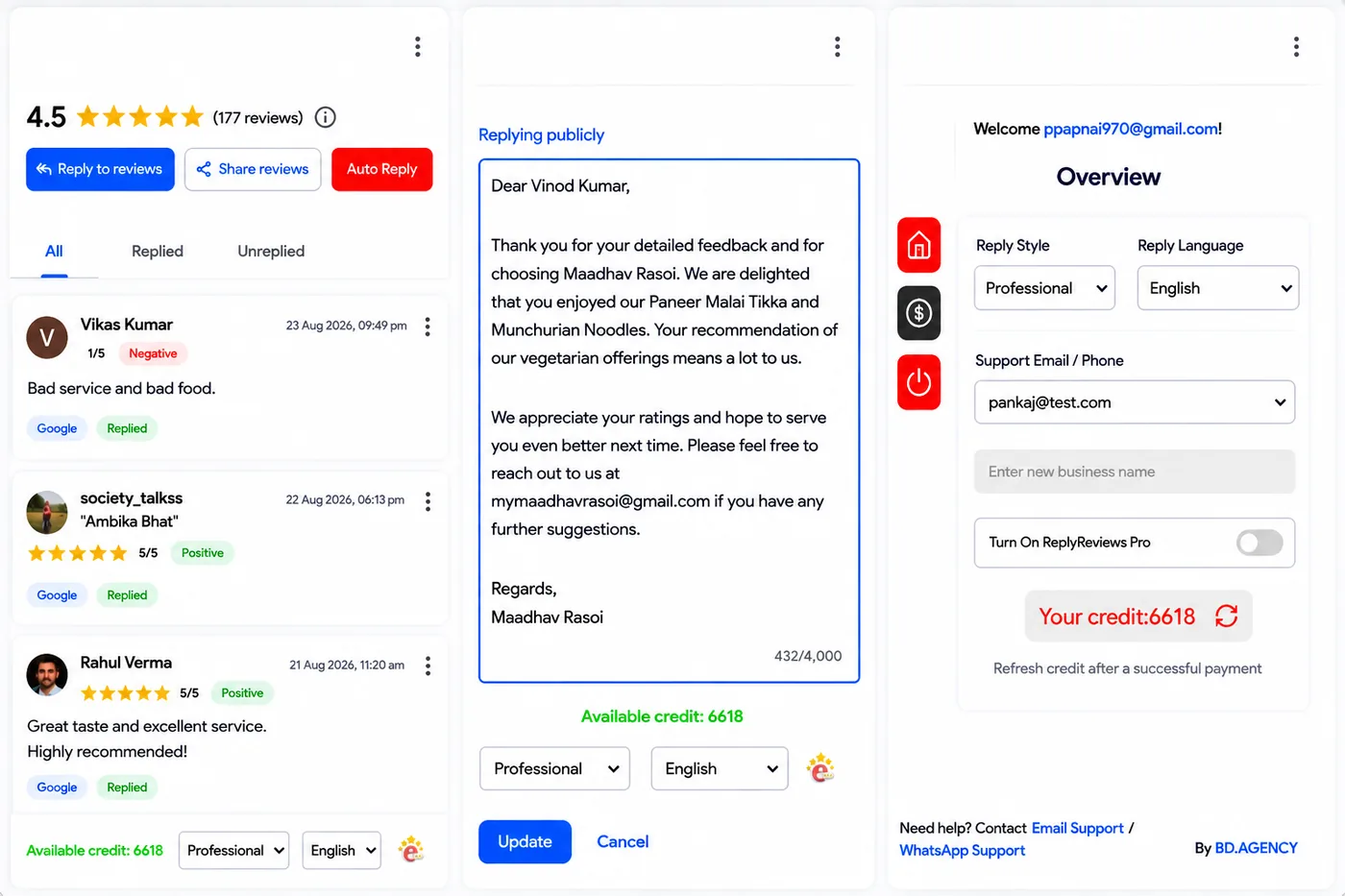
Reply Reviews puts them in one place. Connect your accounts, post to all of them from one screen, and let it reply to your Google reviews automatically.
What it does
Everything it can do
This is the full list. Nothing hidden behind an upgrade page.
- Connect Google, Facebook, Instagram, Threads and YouTube
- Post to all of them from one dashboard
- Automatic replies to your Google reviews
Accounts you can connect
How it works
Three steps
- 1
Connect your accounts
Google, Facebook, Instagram, Threads and YouTube, all linked to the dashboard.
- 2
Post once
Write it once and send it to every connected app from the same screen.
- 3
Let reviews handle themselves
Google review replies go out automatically.
Reply Reviews Dashboard has its own website — replyreviews.com
Questions
Reply Reviews Dashboard — things people ask
Which accounts can I connect?
Google, Facebook, Instagram, Threads and YouTube.
Can I post to all of them at once?
Yes — that’s the point of it. One screen, all the connected apps.
Does it reply to Google reviews on its own?
Yes, automatically.
Where do I get it?
It has its own website — replyreviews.com.
Next step
Want Reply Reviews for your restaurant?
Tell us how you would use it and we’ll take it from there.