


Google Business Profile Setup Guide for Restaurants
In today's digital-first world, your restaurant's online presence is just as important as its physical one. When potential diners get hungry, their first move is often to search Google for "restaurants near me." If your establishment isn't showing up, you're missing out on a huge slice of the pie. The single most powerful tool to capture this local audience is your Google Business Profile (GBP). It's free, easy to manage, and essential for modern restaurant marketing.
This comprehensive guide will walk you through every step of setting up and optimizing your restaurant's profile to attract more customers, drive reservations, and boost your bottom line.
Why is a Google Business Profile Crucial for Your Restaurant?
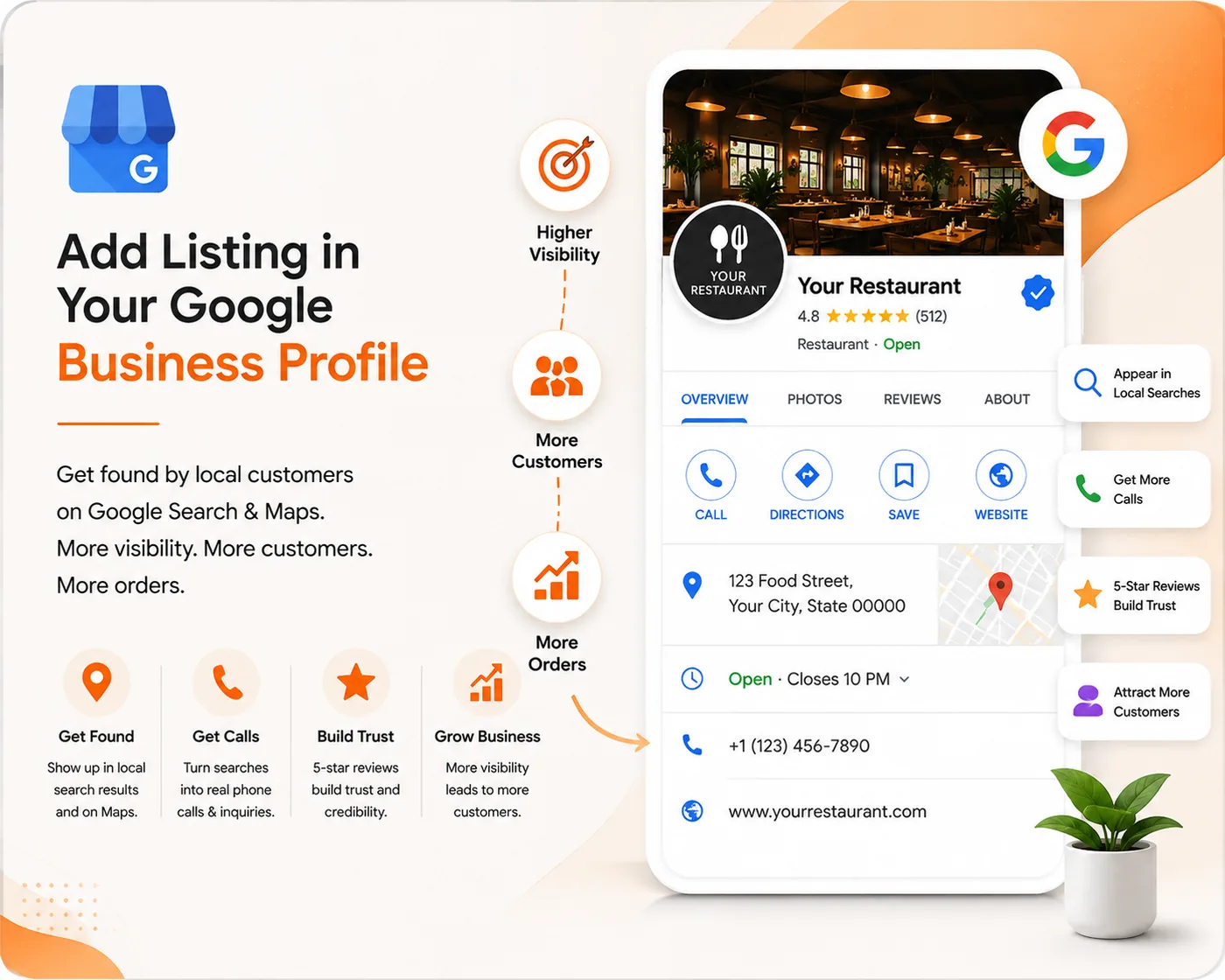
Think of your GBP as your digital storefront. It's often the first interaction a potential customer has with your brand. A well-managed profile can dramatically impact your visibility and profitability.
Increased Visibility in Local Search
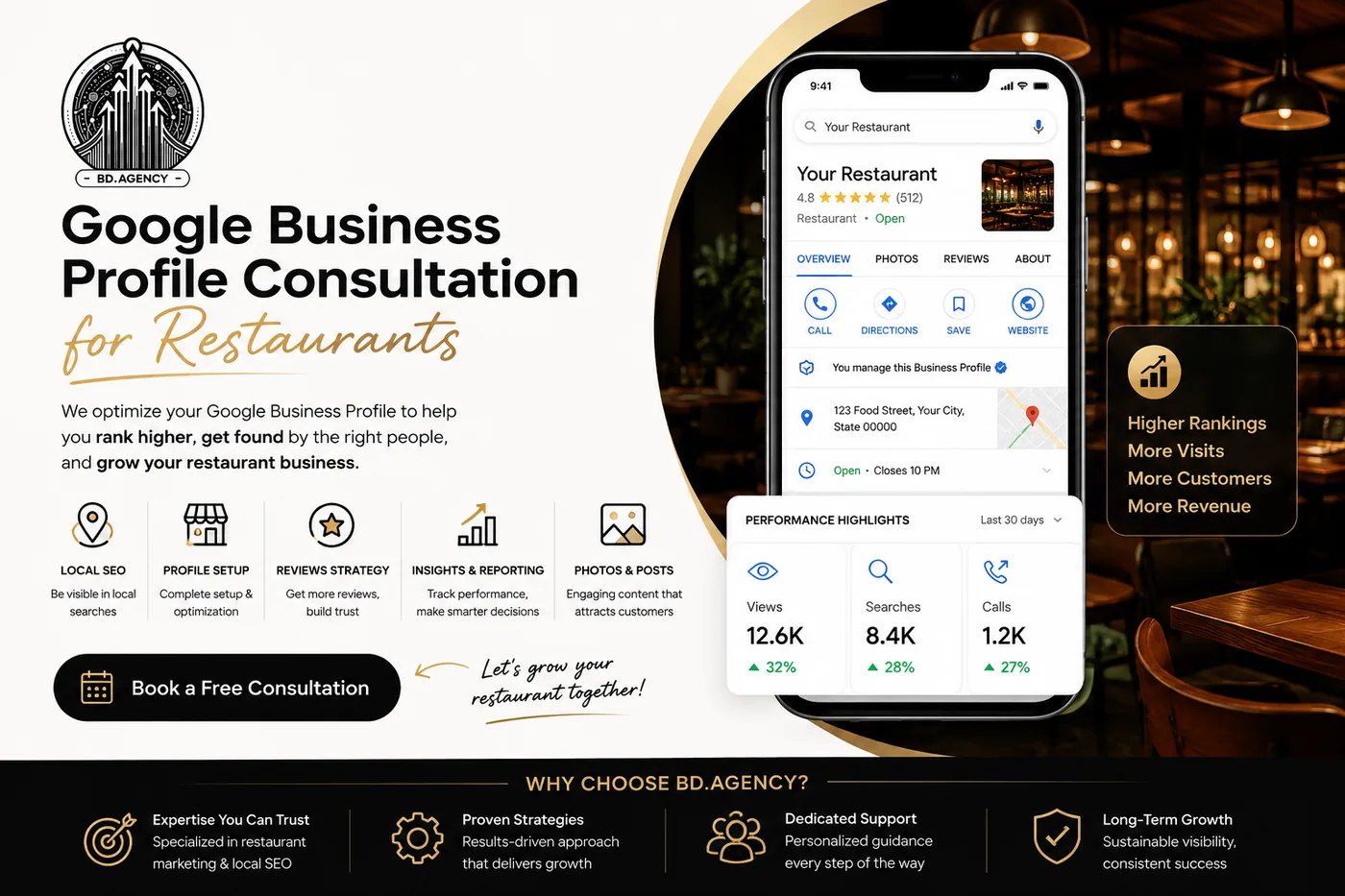
A complete and active GBP is a primary ranking factor for local SEO. It helps your restaurant appear in the coveted "Local Pack"—the map and three business listings that show up at the top of search results for queries like "tacos nearby." This prime real estate on Google Maps and in search results gets the most clicks.
Builds Trust and Credibility
Your profile is a hub for social proof. Positive customer reviews, high-quality photos of your food and ambiance, and accurate business information all signal to Google and potential diners that you are a legitimate and trustworthy establishment. An empty or outdated profile can have the opposite effect.
Drives Direct Bookings and Orders
GBP isn't just a directory listing; it's an action-oriented tool. You can integrate it directly with your systems to allow customers to make table reservations, place an order for delivery, or view your menu without ever leaving Google. This seamless experience removes friction and increases conversions.
Step-by-Step Guide to Setting Up Your Restaurant's Profile
Ready to get started? Follow these steps to create a profile that gets results.
Step 1: Create or Claim Your Profile
First, you need to gain control of your listing.
- Go to google.com/business and sign in with your Google account.
- Enter your restaurant's name. If a profile already exists, Google will find it. You can then request to claim your business listing.
- If no profile exists, you can create a new one from scratch by following the on-screen prompts.
Step 2: Enter Your Core Business Information
Accuracy and consistency are key. This information, often called NAP (Name, Address, Phone), must match what's on your website and other online directories.
- Business Name: Use your official restaurant name exactly as it appears on your signage. Don't add keywords like "best Italian food."
- Business Category: This is critical. Your primary category should be "Restaurant." Then, add specific secondary categories like "Italian Restaurant," "Pizzeria," "Seafood Restaurant," or "Cafe."
- Address: Enter your physical address. This is essential for appearing in "near me" searches and on Google Maps.
- Service Areas: If you offer delivery, you can specify the neighborhoods or radius you serve.
Step 3: Complete the Verification Process
Your profile won't be fully public or functional until you verify your profile. This proves to Google that your business is legitimate and that you are its rightful owner. The most common method is a postcard sent by mail to your business address, which contains a verification code you'll enter into your GBP dashboard.
Step 4: Optimize with Restaurant-Specific Features
Now it's time to flesh out your profile to make it irresistible to potential diners.
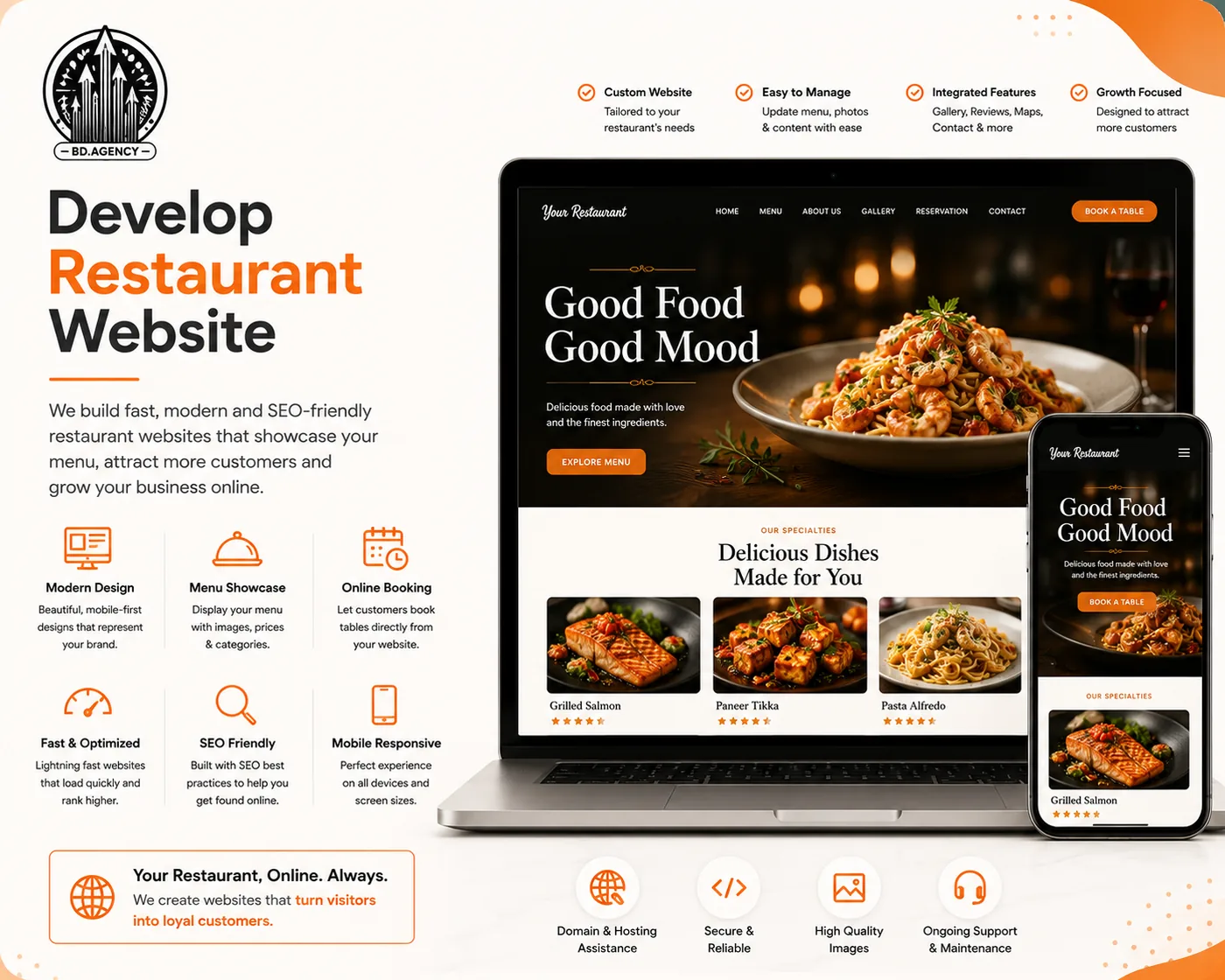
- Add Your Menu: This is a must! You can add a link to the menu page on your website or upload photos/PDFs of your menu directly. An accessible restaurant menu is a top consideration for diners.
- Set Up Online Ordering & Reservations: Add direct links for action. Your profile can feature prominent blue buttons for "Order online" or "Reserve." Link these to your preferred platforms like DoorDash, Uber Eats, OpenTable, or your own website's system.
- Upload High-Quality Photos: People eat with their eyes first. Upload vibrant, professional food photography, shots of your restaurant's interior and exterior, and photos of your team to create an inviting atmosphere.
- Fill Out Attributes: Attributes provide quick, specific details. Select all relevant business attributes, such as "Outdoor seating," "Serves cocktails," "Family-friendly," "Wheelchair accessible entrance," and "Wi-Fi."
- Write a Compelling Business Description: You have 750 characters to tell your story. Describe your cuisine, your atmosphere, and what makes your restaurant special. Use relevant keywords naturally.
Managing Your Profile for Ongoing Success
Setting up your profile is just the beginning. Regular maintenance is crucial for long-term success.
Encourage and Respond to Reviews
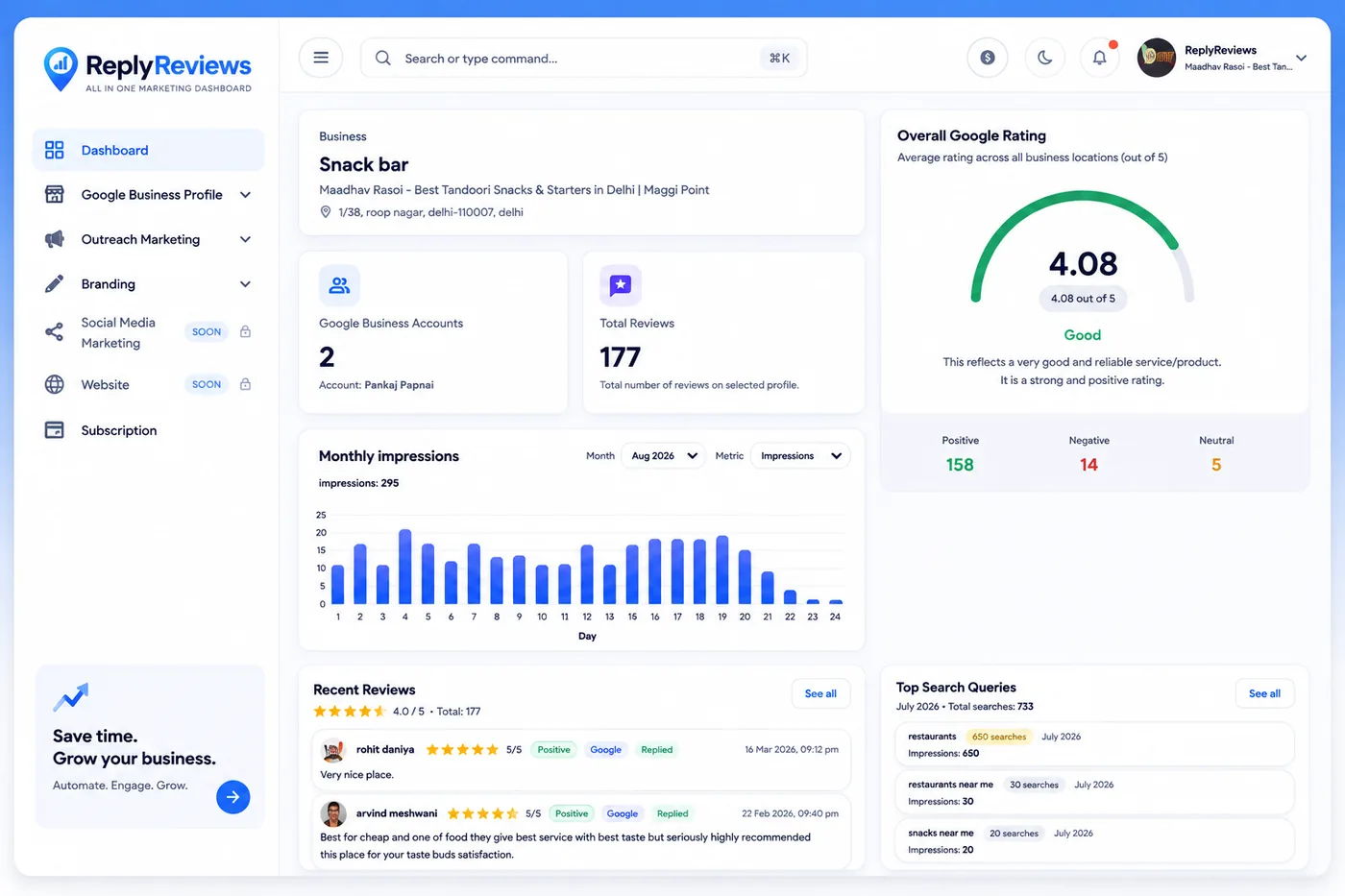
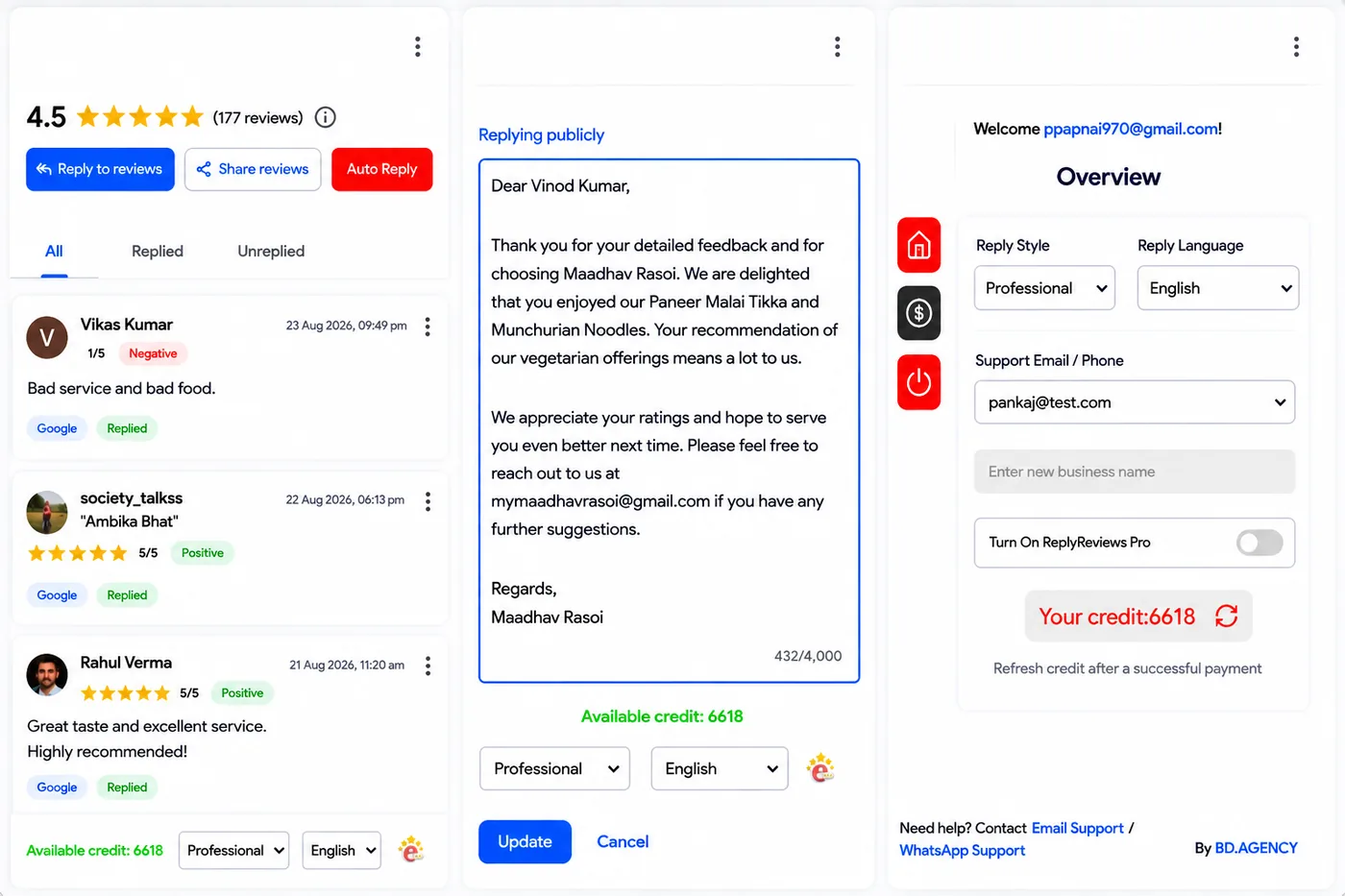
Reviews are the lifeblood of your online reputation. Actively encourage happy customers to leave feedback. More importantly, make sure to manage reviews by responding to all of them—both positive and negative. A thoughtful response shows you value customer feedback and can even turn a negative experience around.
Use Google Posts
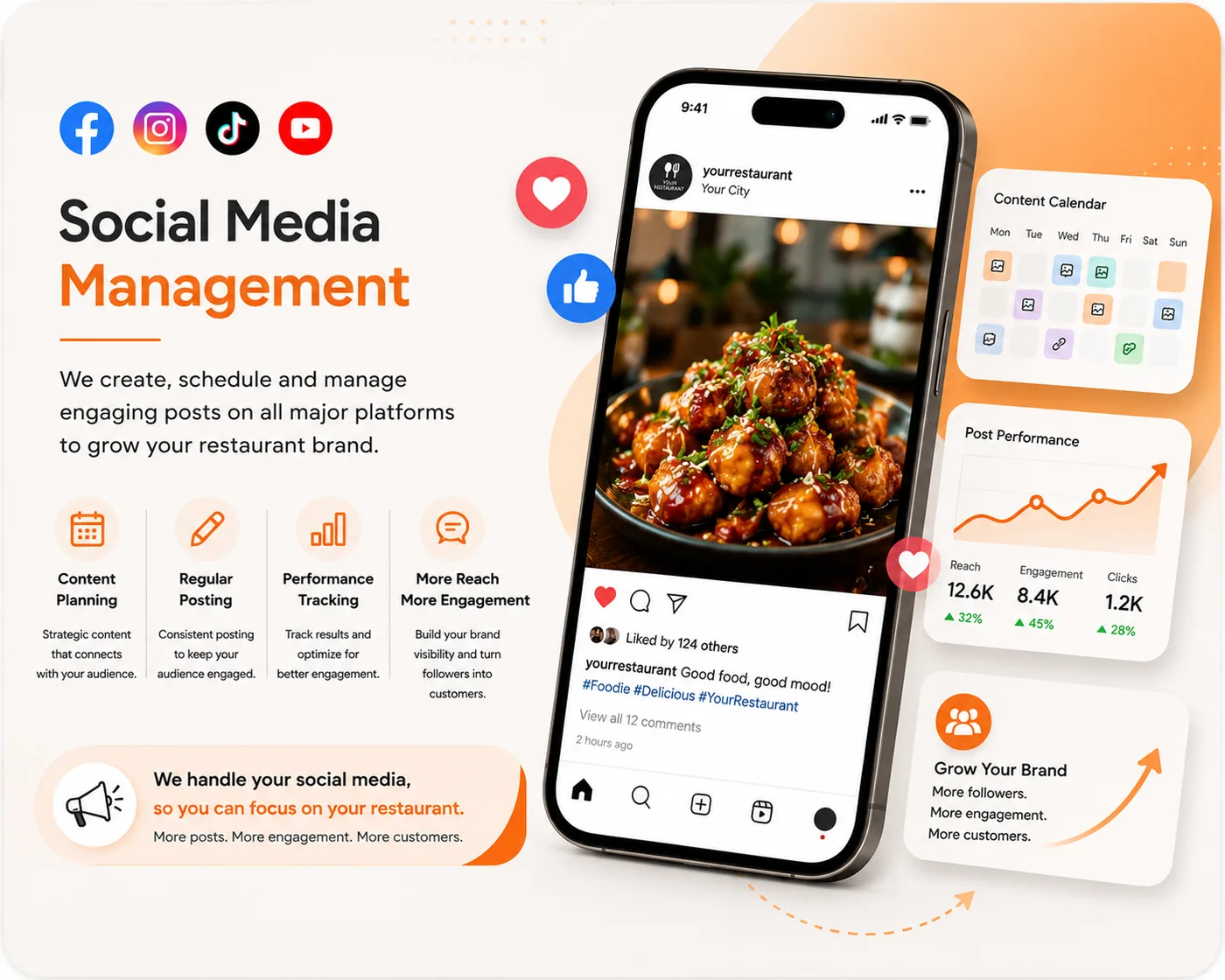
Google Posts are like mini-updates that appear directly on your profile. Use them to promote specials, announce upcoming events, feature a new menu item, or share a special offer. They're a great way to keep your profile fresh and engaging.
Answer Questions in the Q&A Section
Customers can ask questions directly on your profile. Monitor the Google Q&A section to provide timely and accurate answers. You can also proactively add your own frequently asked questions (and answers) about things like parking, reservations, or dietary options.
Conclusion
Your Google Business Profile is no longer just an option for restaurants—it's an essential pillar of your digital marketing strategy. By following this guide to properly set up, optimize, and manage your profile, you can significantly enhance your online presence, stand out from the competition, and put more diners in your seats. Take the time to build a robust profile today; it's one of the highest-return investments you can make for your restaurant's growth.