

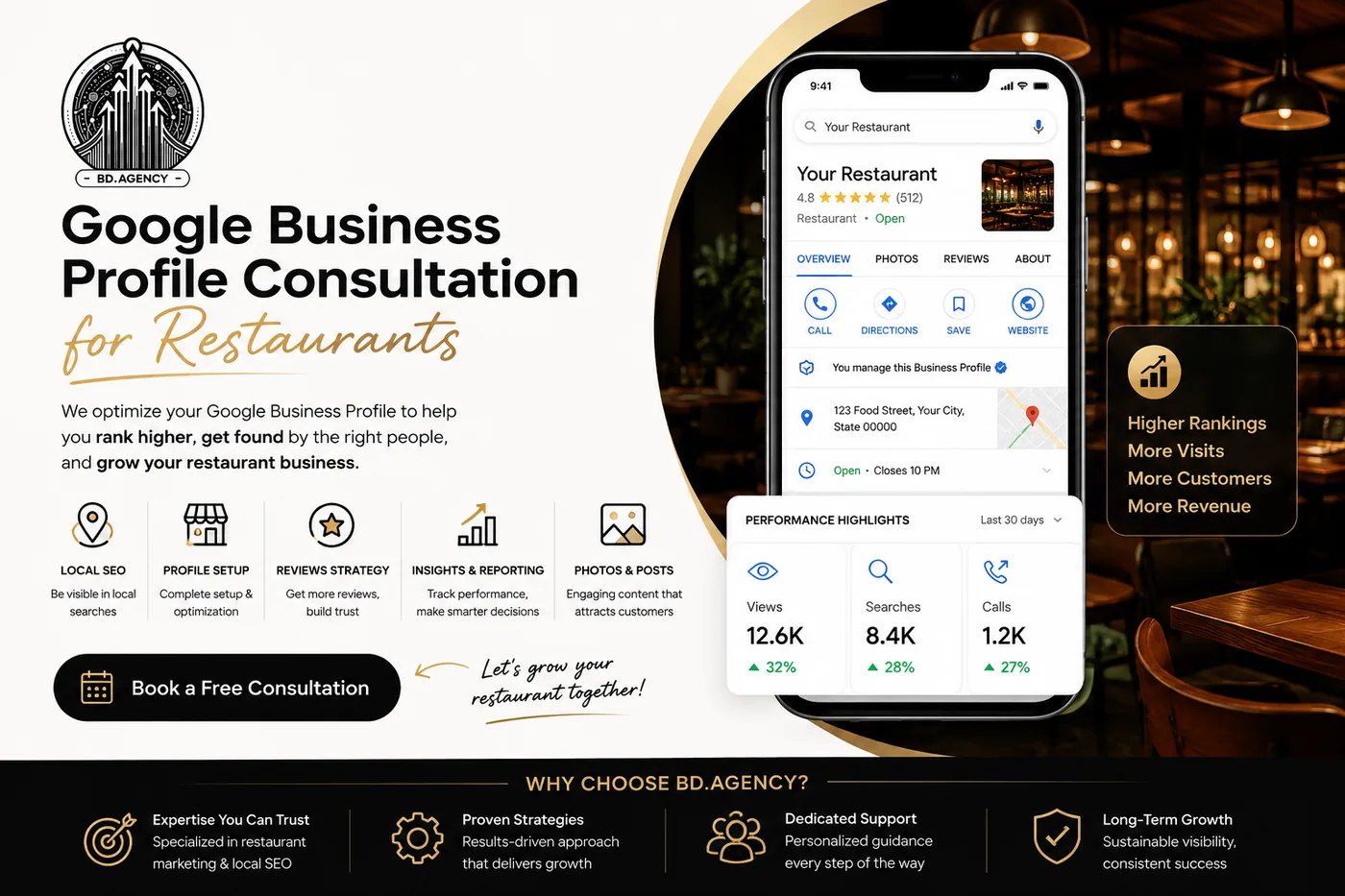

Google Business Profile Optimisation for Restaurants: A Field Checklist
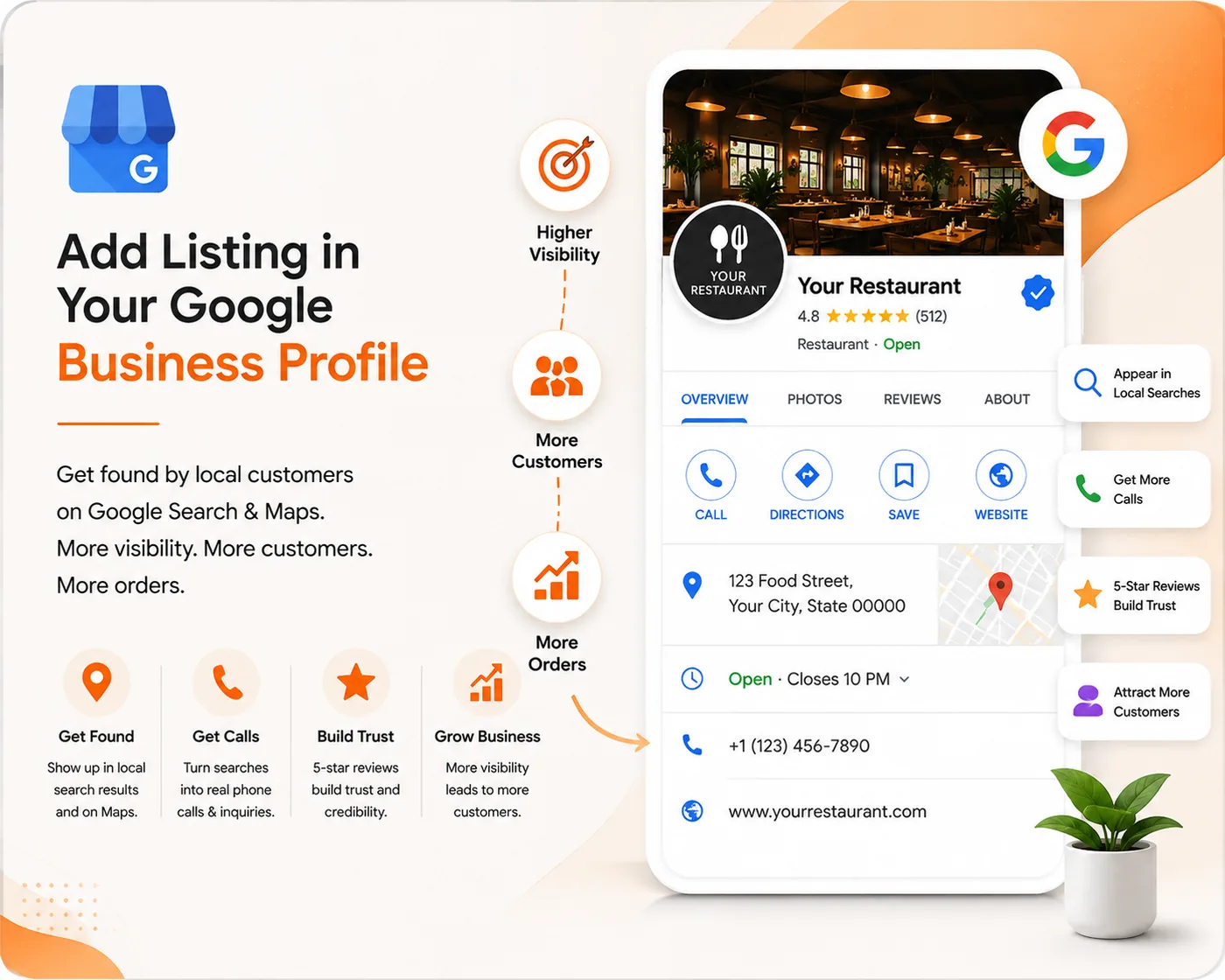
Open your listing on a phone, as a customer sees it, and go down this list. Most restaurants find three or four things wrong inside ten minutes, and every one of them has been quietly costing covers.
The details
- Primary category. As specific as is honestly true. "South Indian restaurant" beats "Restaurant"; add the secondary categories underneath.
- Name. Exactly what is on your signboard. Nothing appended — no "Best", no city, no keywords. This is the single fastest way to get a listing suspended.
- Address. Formatted the way the postal service writes it, and identical to your website's footer.
- Phone. Call it. From a phone that is not yours. Right now.
- Hours. Including the split shift if you close in the afternoon, and including special hours for festivals — an incorrectly "open" listing produces angry reviews from people who drove over.
- Website link. To a page that loads fast on mobile data.
The parts most restaurants skip
- Menu. Add it as structured menu items where the category allows it, not only as a PDF link.
- Attributes. Vegetarian options, outdoor seating, delivery, takeaway, accessibility, live music. Each one is a filter a customer can search by.
- Opening date. A small age signal, and free.
- Services and description. Written for a person, in sentences, mentioning the neighbourhood and the kind of food. Not a keyword list.
Photos, which carry more weight than anything else here
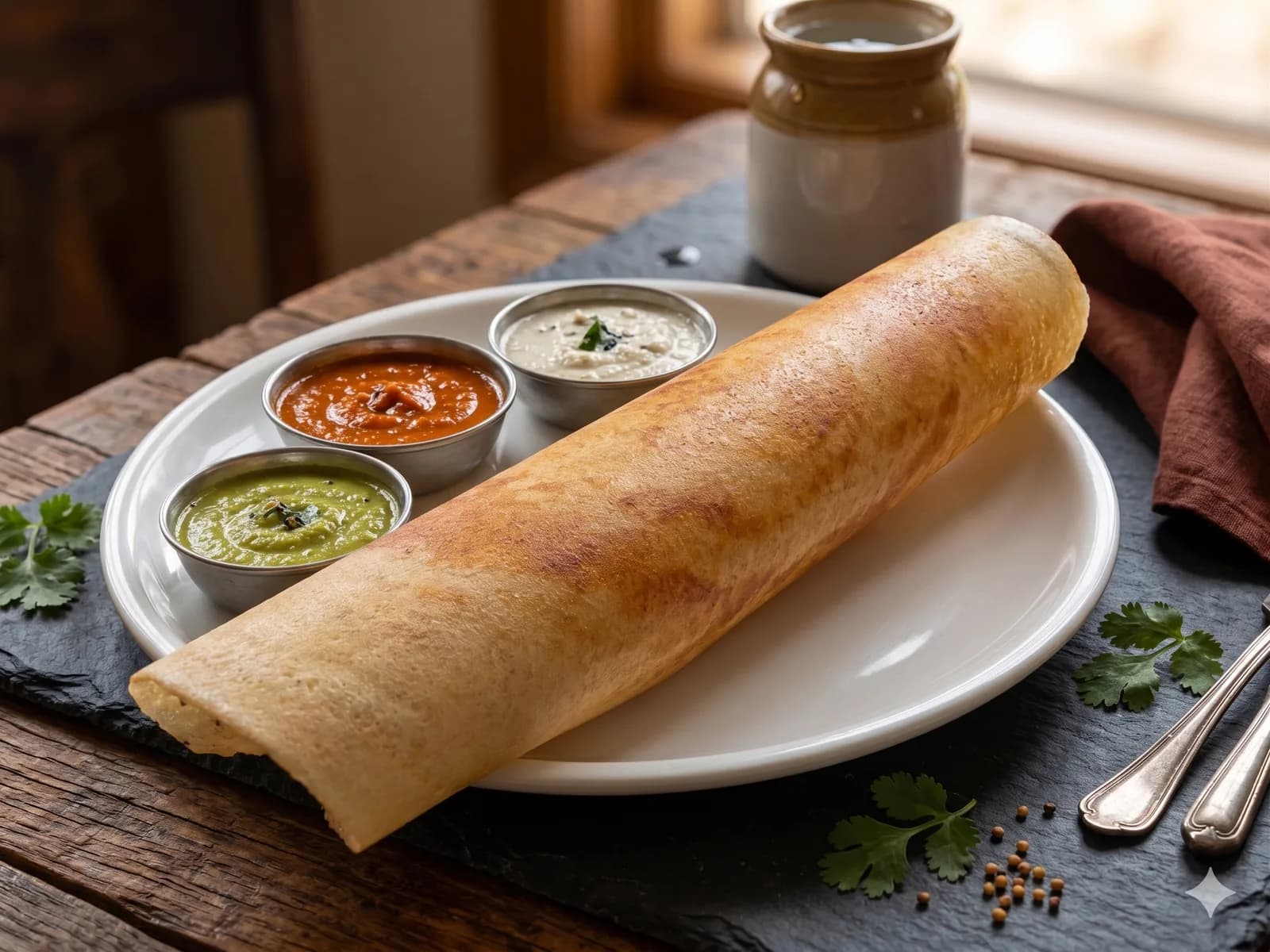
Cover a spread: the exterior as it appears from the street so people can find the door, the interior as it looks when full, the food as it is actually served, and the team. Add new ones regularly rather than uploading forty once and never returning — recency is visible in the profile and the freshness itself is a signal of an active business.
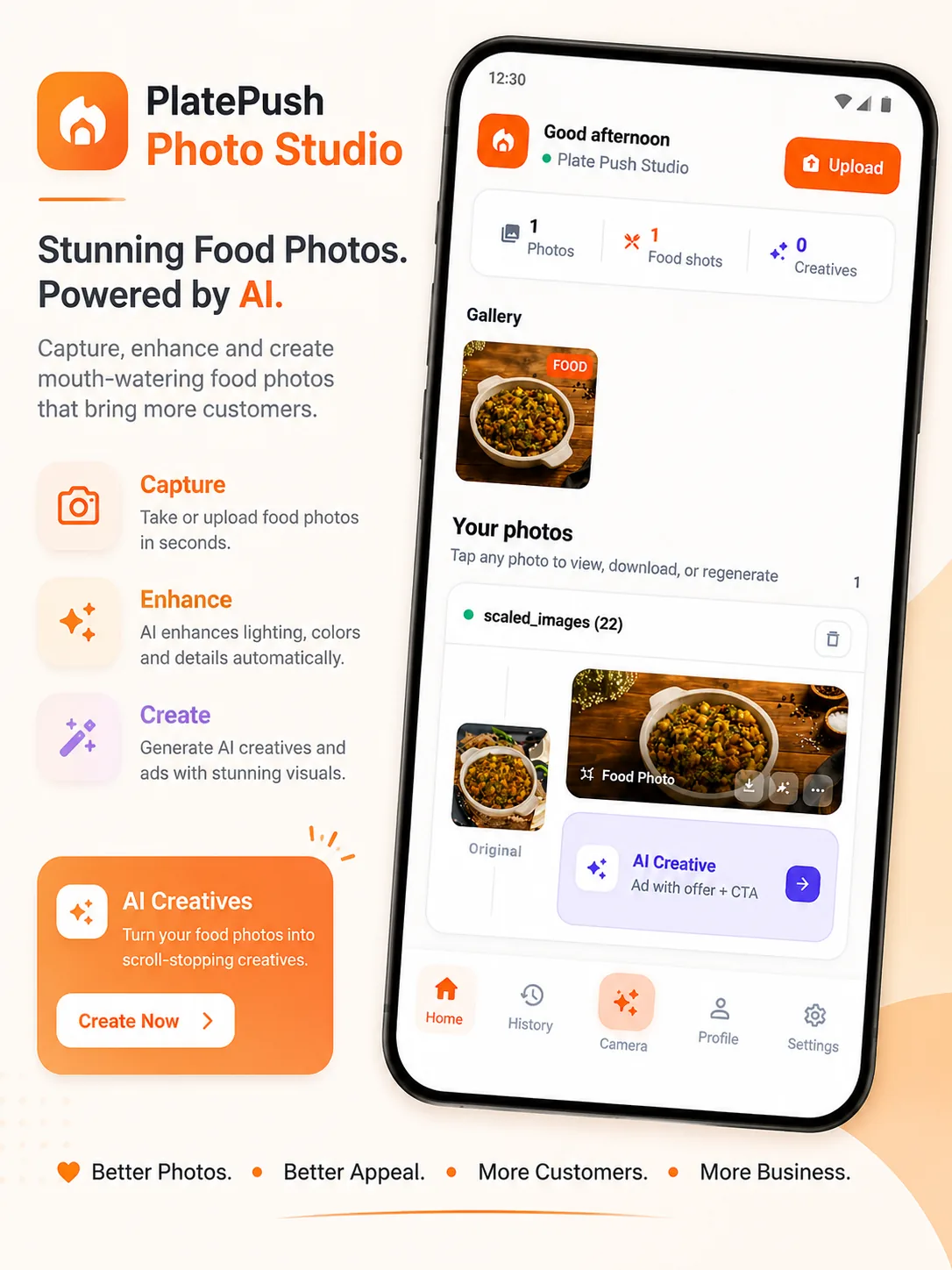
If the photos you have are phone shots taken under kitchen lights, they can be improved rather than reshot; that is what our AI food photography service does.
Posts and Q&A
Google Posts appear on your profile and expire, which makes them right for things that are genuinely time-bound: a festival menu, new hours, an offer with an end date. Q&A is public and anyone can answer — including people who do not work for you. Seed it yourself with the questions you get asked at the door every week: parking, jain food, table booking, delivery radius.
Then keep it alive
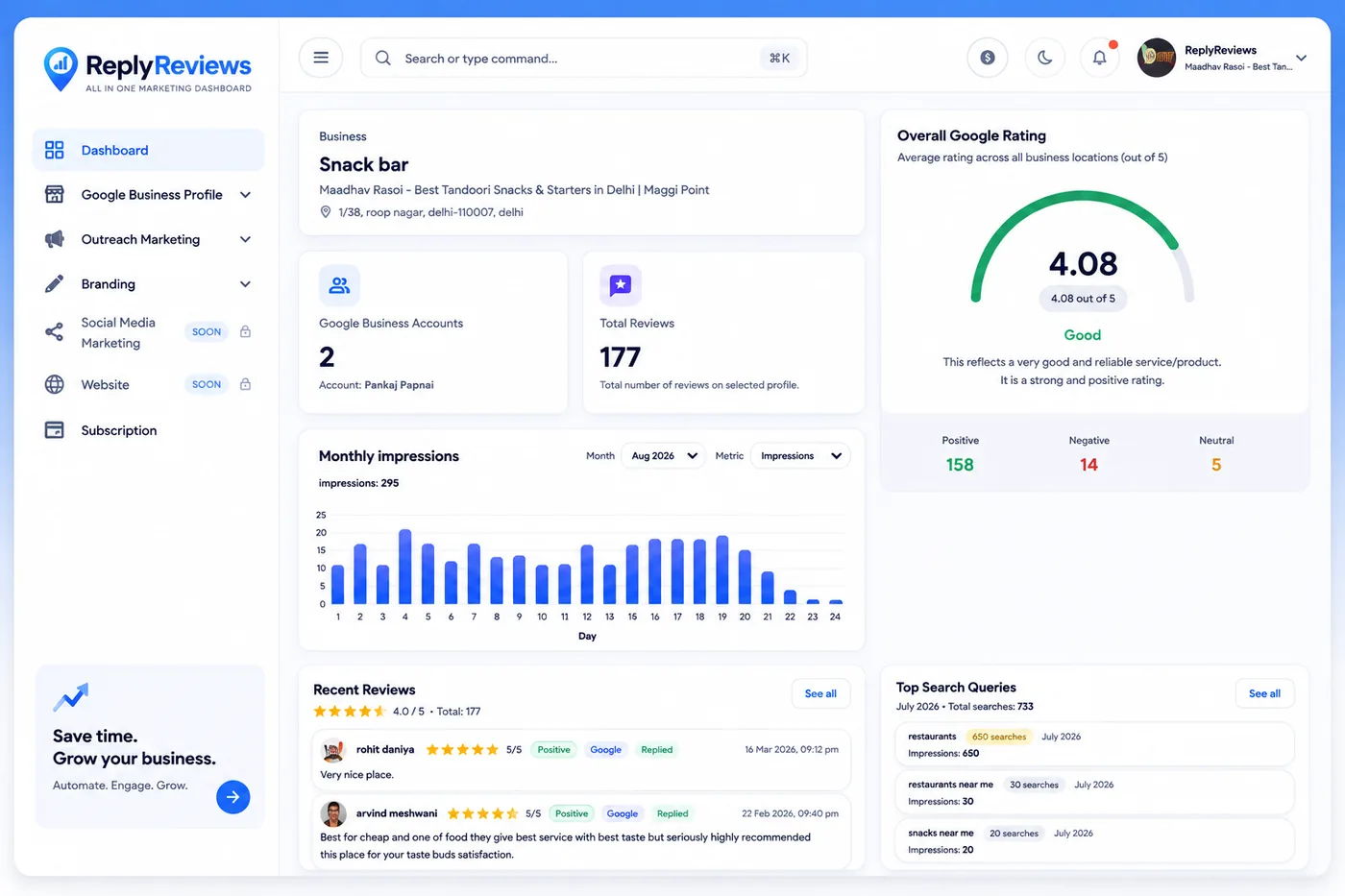
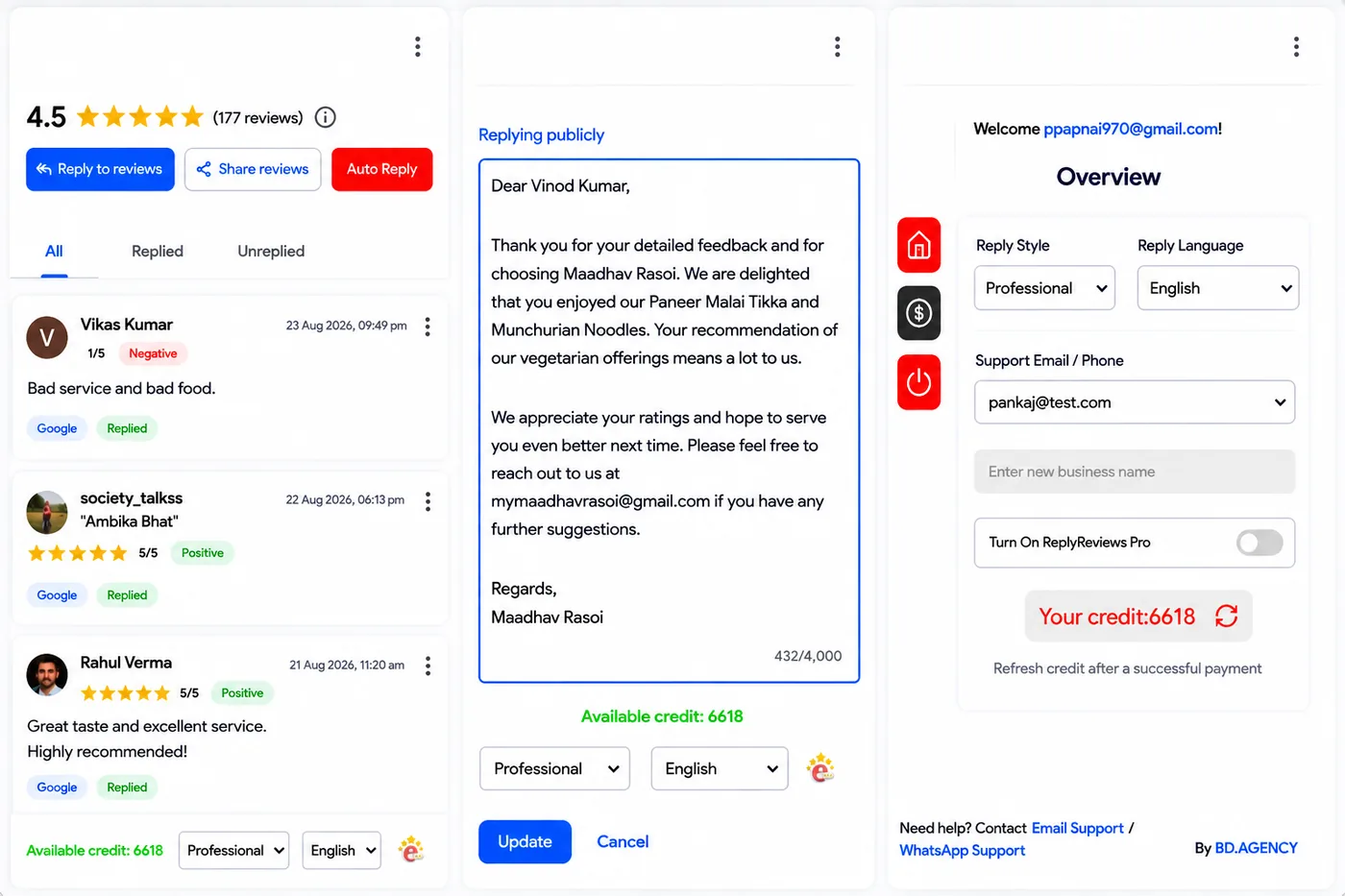
Optimisation is a morning's work. What actually moves a listing is the maintenance after it: replying to reviews, adding photos, correcting hours before a holiday rather than after. That is the part restaurants stop doing, and it is the part we handle as Google Business Profile management when a kitchen simply does not have the hours in the day.